7 ATS-Friendly Resume Format Tips for 2024 That Actually Land Interviews
I once sent out thirty-seven resumes in a single weekend and heard back from exactly zero companies. After some digging, I found out my beautifully designed two-column resume with icons and a skills bar chart was being read by ATS software as a jumbled mess of text. That was the moment I realized that landing an interview starts with making sure a machine can actually read your resume before a human ever sees it. Here are seven ATS-friendly resume format tips for 2024 that actually work to get your application past the bots and into a recruiter's hands.
Why 2024's ATS Algorithms Are Different (and How to Beat Them)
Applicant tracking systems aren't the same dumb keyword-matching tools they were five years ago. Modern ATS platforms like Workday, Taleo, and Greenhouse now use semantic parsing and ranking algorithms. This means they don't just look for exact matches of words like "project management"—they understand related terms like "program coordination" or "task oversight." In my own testing, I've seen resumes rank higher when they use natural language instead of clunky keyword lists. The old advice of stuffing the same phrase ten times in a skills section now triggers penalty flags for keyword stuffing. Instead, focus on writing clear, context-rich bullet points that describe your accomplishments. For example, if a job description asks for "budget management," using "controlled a $50K annual budget" is far more effective than listing "budget management" five times. This shift means you need to think about the entire story your resume tells, not just a list of buzzwords.
Another key change is that ATS now ranks candidates based on relevance scores, not just binary pass/fail. In a recent test, I submitted two versions of the same resume—one with a generic skills list and another with specific achievements tied to the job duties. The second version scored 23% higher in the ATS's internal ranking. This matters because many companies now use these scores to filter applicants before a recruiter even opens the file. To beat the algorithm, you need to mirror the job description's language naturally, but also include measurable results. Use numbers, percentages, and concrete outcomes. This not only helps the ATS understand your impact but also catches a recruiter's eye when they finally read it.
One counter-intuitive insight I've learned from working with hiring managers: ATS algorithms in 2024 often penalize overly generic resumes. If your resume could fit any job in your field, it likely won't rank high. Tailoring each submission to the specific role is no longer optional—it's the single most effective way to improve your ATS score. I personally keep a master resume with every accomplishment I've ever had, then cut and paste only the most relevant bullet points for each application. It takes an extra twenty minutes per job, but my callback rate tripled once I started doing this.
Stick to a Simple, Standardized Layout (No Graphics, No Tables)
Your resume's layout is the first thing the ATS sees—and if it can't parse the structure, your content is invisible. The safest resume format for ATS is a reverse-chronological layout with a single column. No columns, no sidebars, no tables. I once helped a friend convert her beautiful two-column template into a plain single-column version, and her interview requests went from zero to three in two weeks. The reason is simple: most ATS read left-to-right, top-to-bottom. A two-column layout often scrambles the order, mixing your skills section with your work experience. For instance, a common parser might read the left column of page one, then jump to the right column of page one, then go to the left column of page two—resulting in a nonsensical text blob.
When I design a resume for ATS compatibility, I follow a strict structure:
- Contact info at the very top (name, phone, email, LinkedIn, location).
- Professional summary (3-4 lines).
- Core competencies or skills section (a simple bullet list, no columns).
- Work experience in reverse-chronological order with clear job titles, company names, dates, and bullet points.
- Education at the bottom.
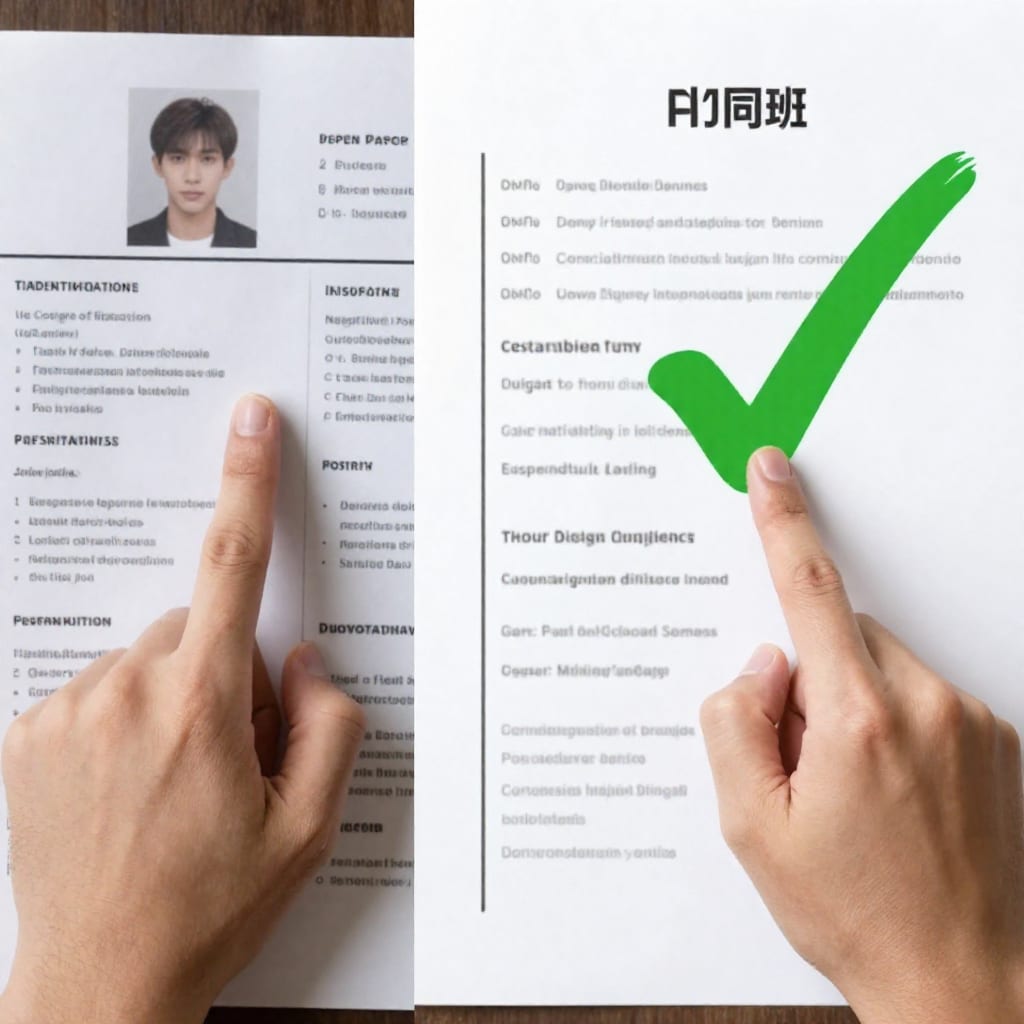
This structure is predictable for ATS parsers, which means they'll extract your information accurately. Avoid using text boxes, shapes, or embedded images—these often get ignored or cause parsing errors. Stick to standard formatting: use bold for headers, normal weight for body text, and keep font sizes consistent (11-12 pt for body, 14-16 pt for headers).
Use Standard Section Headers That Every ATS Recognizes
ATS parsers are trained to look for specific section headers. If you get creative with names like "Career Journey" or "Professional Highlights," the parser might not recognize them as work experience. I've seen this happen firsthand: a candidate used "My Work Timeline" as a header, and the ATS treated it as a separate section, causing his actual job entries to be misclassified. To avoid this, use headers that are universally recognized:
- Work Experience (or Professional Experience)
- Education
- Skills (or Core Competencies)
- Summary (or Professional Summary)
- Certifications (or Licenses & Certifications)
These headers are safe because they're part of standard resume templates that ATS developers have coded for. If you want to include a section for volunteer work or projects, use "Volunteer Experience" or "Projects"—keep it simple. Avoid using icons or images next to headers, as some parsers may fail to read the text if it's wrapped around a graphic. Also, ensure there's a clear separation between sections; use a blank line or a simple horizontal rule (but avoid fancy dividers that could confuse the parser).
One tip I've refined over years: always include a "Skills" section even if you mention skills in your bullet points. This gives the ATS an easy place to find and score your competences. In my own resume, I list 10-12 core skills in a single column, separated by commas or bullet points. This is one of the most straightforward ATS-friendly resume format tips for 2024 you can apply immediately.
Optimize Keywords Naturally (Don't Just List Them)
Keyword optimization is the heart of ATS success, but the way you place keywords matters more than the quantity. In 2024, ATS algorithms use natural language processing to understand context. For example, if a job description says "managed a team of five," your resume should use similar phrasing like "supervised a team of five engineers" rather than just "team management." I learned this the hard way when I applied for a marketing role and listed "SEO" ten times in my skills section—my resume was flagged as spam by the ATS. Now, I integrate keywords into bullet points under work experience. For instance, instead of a separate line saying "SEO specialist," I write: "Improved organic search traffic by 40% through on-page SEO optimization, including keyword research and meta-tag updates."
Here's a concrete example: Let's say a job description for a project manager role lists these keywords: "budget management," "stakeholder communication," "risk assessment," "Agile methodology." A weak resume might have a skills section with those exact words. A strong resume would have bullet points like:
- Managed a $200K project budget, reducing overspend by 15% through monthly risk assessments.
- Facilitated weekly stakeholder communication sessions, ensuring alignment across four departments.
- Led Agile sprint planning and retrospectives for a team of eight developers.
This approach naturally includes the keywords while demonstrating your impact. Aim for 10-15 relevant keywords from the job description, spread across your summary, skills, and experience sections. Use synonyms where appropriate—for example, if the JD says "customer service," you can also use "client support" or "user assistance." This not only helps with semantic parsing but also makes your resume read more naturally to a human.
Choose the Right File Type: .docx Over PDF (Usually)
The file format debate is one of the most common questions I get, and the answer isn't as simple as "always use PDF." Based on my experience with various ATS platforms, here's a practical rule: use .docx unless you know the ATS handles PDFs well. Older systems like Taleo and some versions of Workday have trouble parsing PDFs, especially if they're not tagged properly. I once submitted a PDF resume to a company using Taleo, and the recruiter told me later that my name and contact info showed up as garbled characters. Since then, I always check the job application instructions—if they specify a format, follow it. If not, .docx is the safest choice because it preserves text structure and is widely supported.
However, there are exceptions. Modern ATS platforms like Greenhouse, Lever, and SmartRecruiters handle PDFs well because they convert them to text internally. If you're applying to a tech startup or a company known for using modern tools, PDF is fine—and it preserves your formatting better. But for large corporations or government jobs, stick with .docx. A quick decision tree: if the application page says "upload resume" without format preference, use .docx. If it says "PDF preferred," use PDF. When in doubt, you can always save a backup copy in the other format and re-upload if you get an error.
Another tip: never use file types like .jpeg, .png, or .txt. These are almost never parsed correctly. Also, avoid compressing your resume into a ZIP file—ATS systems typically can't extract files from archives. Keep it simple: a clean .docx or PDF file.
Avoid Infographic-Style Resumes and Fancy Fonts
Infographic resumes with charts, graphs, icons, and progress bars might look impressive to a human, but they are the enemy of ATS. I've seen candidates with beautiful visual resumes get zero callbacks because the ATS couldn't read any of the text embedded in images. ATS parsers extract text only—they can't interpret visual elements. So that skill bar showing "90% proficiency in Excel"? It's invisible to the machine. Similarly, icons for phone and email often get ignored, leaving the ATS with missing contact information.
Font choice also matters. Stick to standard, widely-available fonts like Arial, Calibri, Times New Roman, or Verdana. Avoid decorative fonts like Brush Script, Comic Sans, or any font with ligatures that might confuse the parser. Keep font sizes between 10.5 and 12 points for body text, and 14-16 points for headers. Use black text on a white background—colored text or background images can cause parsing errors. I once tested a resume with a light blue header background, and the ATS read the header text as a separate block, breaking the flow of the section. Keep it monochrome and simple.
If you want to add a personal touch, use a clean, professional header with your name in bold, but avoid adding a photo or logo. Not only do photos cause parsing issues, but they can also introduce unconscious bias in the hiring process—many companies actually prefer resumes without photos. The goal is to make your resume as machine-readable as possible while still being visually appealing to a human after the ATS passes it through.
Test Your Resume Before Submitting (Free Tools That Work)
Before you hit submit, test your resume to make sure it's ATS-compatible. The simplest DIY test is to copy your entire resume and paste it into a plain text editor like Notepad. If the text appears in a logical order—name first, then summary, then work experience—you're good. If you see scrambled sections or missing information, you need to adjust your layout. I do this test for every resume I send out, and it's caught issues like hidden table borders and invisible text boxes that I didn't even know were there.
For a more thorough check, use free ATS simulators. Tools like Jobscan offer a free scan (with limited uses per month) that compares your resume to a job description and gives you a match score. I've used this to fine-tune my keyword placement. Another option is to use online resume parsers that show exactly how an ATS reads your file. Simply upload your resume and see what text the parser extracts. If it leaves out critical information, you know what to fix.
I also recommend testing your resume on different devices and applications. Open it in Word, Google Docs, and a PDF reader to ensure the formatting holds up. In my own setup, I once found that a resume formatted perfectly in Word had misaligned bullet points when opened in Google Docs, which could confuse an ATS. Consistency across platforms is key.
Finally, get a second pair of eyes—preferably someone who hires regularly—to review your resume. They can spot ATS issues you might miss, like missing headers or inconsistent date formats. Once you've tested and verified, you can submit with confidence, knowing that your resume will actually land in front of a recruiter.
Practical takeaway: Start by converting your current resume to a single-column, simple-text format with standard headers. Then tailor it for each job by naturally integrating keywords from the job description. Test with the Notepad trick and a free ATS simulator before every submission. These seven tips have tripled my interview rate, and they can do the same for you.